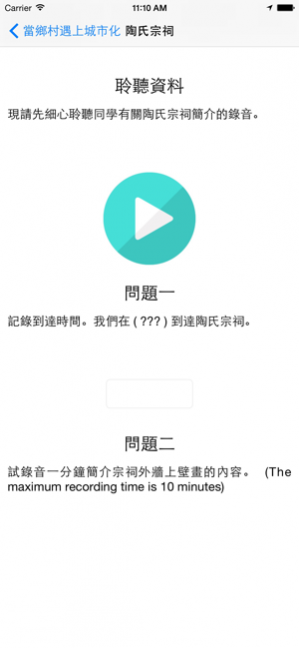
About EduVenture Xm
** OVER 200 SCHOOLS in Hong Kong, Taiwan and Mainland China are using EduVenture now (Apr 2016) ** OVER 10,000 students have used EduVenture in their outdoor learning activities (Apr 2016) ** MORE THAN 300 TEACHERS have at
** OVER 200 SCHOOLS in Hong Kong, Taiwan and Mainland China are using EduVenture now (Apr 2016)
** OVER 10,000 students have used EduVenture in their outdoor learning activities (Apr 2016)
** MORE THAN 300 TEACHERS have attended professional training courses learning how to combine EduVenture into their teaching **
Features highlights:
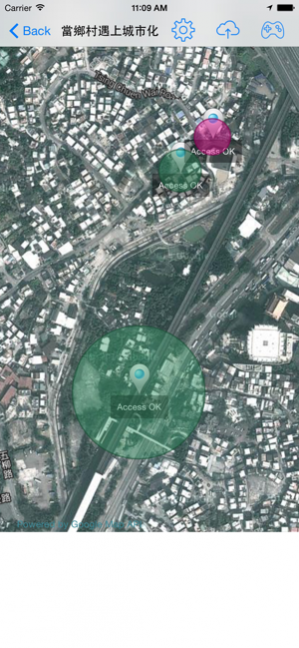
- Comprehensive GPS assisted learning and teaching;
- Ready to go inquiry-based and student-centred learning;
- Support different zoom levels and multi-layer maps.
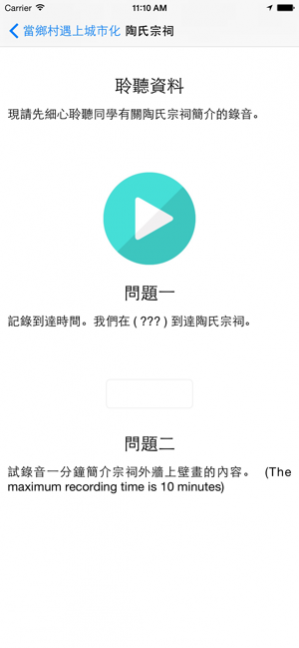
- Multi-media questions and answers;
- Realtime multi-player learning environment (Internet connection required);
- No more "pre-trip" required; Field trip preparation is Do-Online-Now (DON);
- Easy and smart answer viewing for post-activity evaluation.
What is EduVenture?
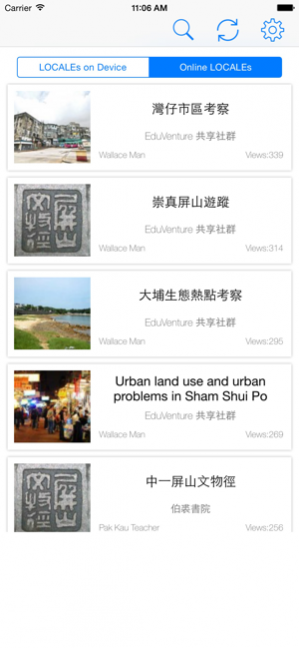
EduVenture is an integrated GPS-location based learning system intents to facilitate outdoor learning and teaching. EduVenture X / EduVenture Xm are the Apps being used in the process of outdoor learning.
How to Use EduVenture?
Teachers create and modify outdoor learning materials with the EduVenture Composers (Web-based tool) before an outdoor learning activity begins. Students then experience self-directed outdoor-based learning with such learning materials. Both teacher and students can review the whole outdoor learning process through accessing to the EduVenture Retriever.
May 20, 2020 Version 1.5.2
UI improvements.
Previous Versions
Here you can find the changelog of EduVenture Xm since it was posted on our website on 2016-11-09 16:42:04.
The latest version is 1.5.2 and it was updated on 2021-11-10 13:11:31. See below the changes in each version.
EduVenture Xm version 1.5.2
Updated At: 2020-05-20
Changes: May 20, 2020 Version 1.5.2
UI improvements.
EduVenture Xm version 1.5.1
Updated At: 2019-10-18
Changes: Oct 18, 2019 Version 1.5.1
UI improvements.
EduVenture Xm version 1.0.17
Updated At: 2015-08-04
EduVenture Xm version 1.5.2
Updated At: 1970-01-01
Changes: 20 mei 2020 Version 1.5.2
UI improvements.
EduVenture Xm version 1.5.2
Updated At: 1970-01-01
Changes: 2020年5月20日 Version 1.5.2
UI improvements.
EduVenture Xm version 1.5.1
Updated At: 1970-01-01
Changes: 2019年10月18日 Version 1.5.1
UI improvements.
EduVenture Xm version 1.5.2
Updated At: 1970-01-01
Changes: 20 мая 2020 г. Version 1.5.2
UI improvements.
Disclaimer
External Download
We do not host EduVenture Xm on our servers. We did not scan it for viruses, adware, spyware or other type of malware. This app is hosted by the software publisher and passed their terms and conditions to be listed there. We recommend caution when installing it.
The external download link for EduVenture Xm is provided to you by apps112.com without any warranties, representations or guarantees of any kind, so access it at your own risk.
If you have questions regarding this particular app contact the publisher directly. For questions about the functionalities of apps112.com contact us.